
How to set it.
- Note the position of the minute hand.
- Turn the bezel anticlockwise until the zero marker (usually a triangle with a lume pip) lines up with the minute hand.
- To check elapsed time, look at where the minute hand points on the bezel scale.
Why only one direction.
If a unidirectional bezel is bumped and turns anticlockwise, it indicates more elapsed time than has passed, so a diver surfaces earlier and safer. A bidirectional bezel could be moved the other way and show less time than has passed.
Everyday uses.
- Parking and meter time.
- Cooking and brewing timers.
- Time spent in a meeting.
What to look for.
- Clear markings and a lume pip at zero.
- A bezel with a firm click and no play; the SHY038 lists a 120-click ceramic bezel.
- A bezel that matches the watch’s dive rating; see ISO 6425 explained.
Divers with a bezel to try.
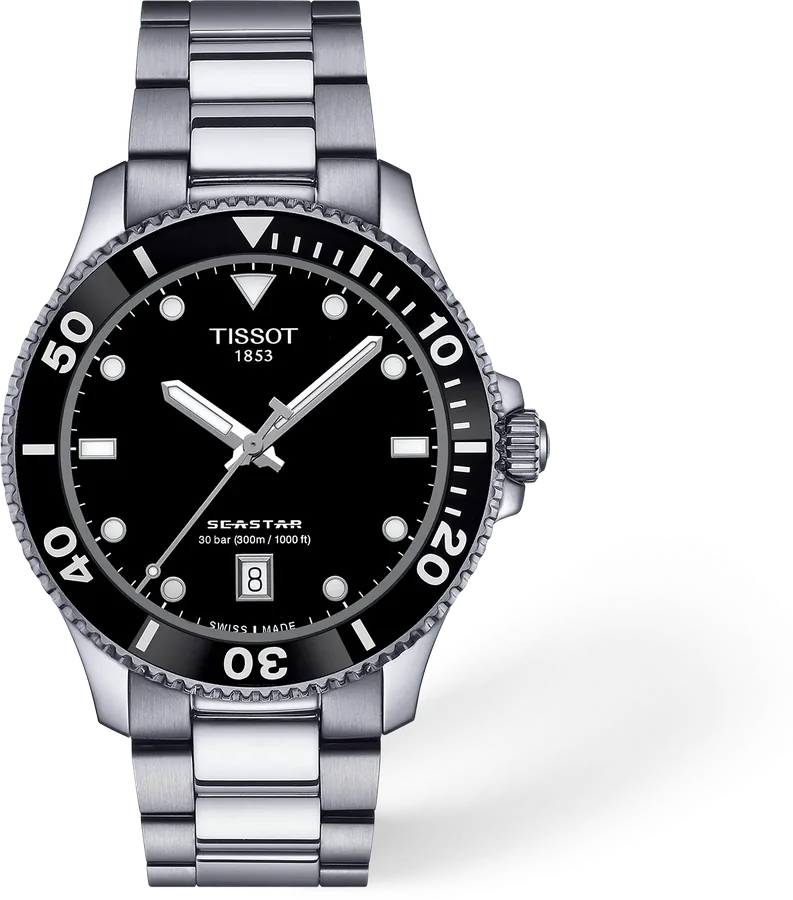
Seastar 1000 Quartz Black
A 300 m Swiss quartz diver
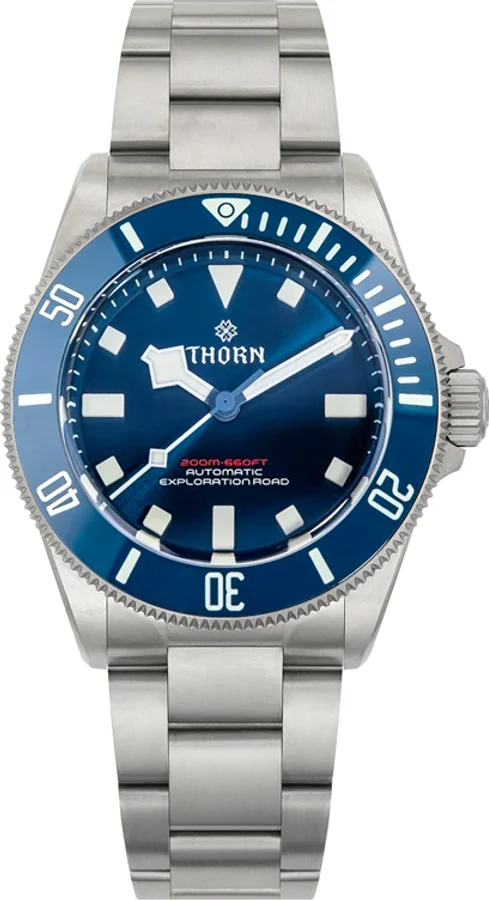
SHY036 39mm Titanium PT5000 Diver (Blue)
A 39 mm titanium diver with a ceramic bezel for under $200
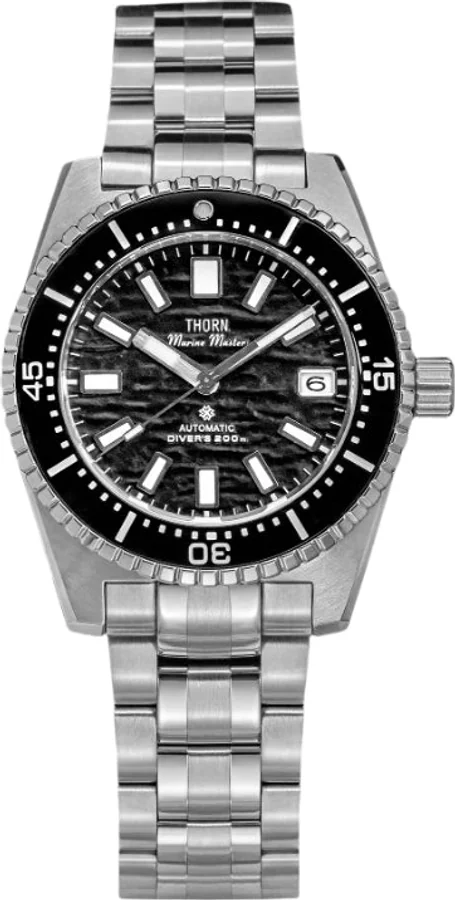
SHY042 40mm NH35A Diver (Black)
A 40 mm steel diver with a display caseback for $169
A few good questions.
How do you use a dive watch bezel?
Align the zero marker with the minute hand at the start of the timing, then read the minute hand against the bezel scale to see the elapsed minutes.
Why does a dive bezel only turn one way?
So an accidental bump can only make it show more elapsed time, which errs on the safe side.
Can I use a dive bezel for everyday timing?
Yes, for parking, cooking and meetings.
What is a 120-click bezel?
A bezel that clicks into 120 positions per rotation, so each click is half a minute.
How we write guides: we explain watchmaking from manufacturer documentation and published standards, and say plainly where numbers vary by brand or movement. Our approach.